Haru

Power Automate 実践・Tips

Copilot StudioとPower Automateの連携|会話からWord文書を自動で作る手順

Copilot Studio と Power Automate を連携して、会話の内容から Word 文書を自動で作る手順。コンテンツコントロールの設定からフローまで通しで説明します。
Power Automate 実践・Tips
【Vol.1】Copilot Studio × Power Automate × Word連携 つまずきポイント3選

この記事の内容は「Copilot Studio × Power Automate × Word|会話の内容から文書を自動で作る全手順」に統合しました。
PA45 各回レポート

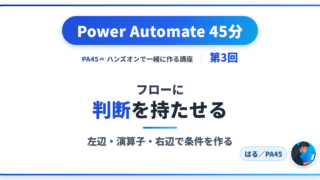
Power Automate 条件分岐(Condition)の作り方|初心者向け|PA45 第3回

Power Automate 条件分岐(Condition)の作り方。この記事で分かること:「条件(Condition)」アクションがどんなものか/条件分岐の考え方と、よく使う演算子/「左辺・演算子・右辺」で条件を作る方法。
PA45 各回レポート

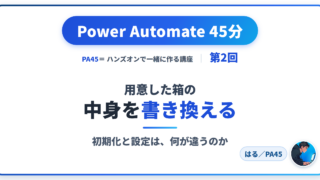
Power Automate 変数の設定(Set variable)の使い方|PA45 第2回

変数の設定(Set variable)とは?変数の値を書き換える使い方を解説。この記事で分かること:「変数の設定(Set variable)」がどんなアクションか/「初期化」と「設定」の違い/「変数の設定」で指定する2つの項目(名前・値)。
PA45 各回レポート

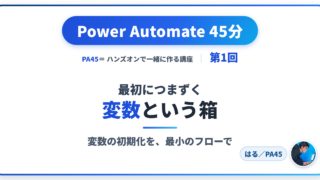
Power Automate 変数の初期化(Initialize variable)の使い方|PA45 第1回

Power Automate 変数の初期化(Initialize variable)の使い方。この記事で分かること:「変数」とは何か(プログラミング未経験でも分かる説明)/Power Automate で最初に「初期化」する理由/「変数を初
Power Automate 実践・Tips

Power Automate coalesceの使い方|空欄でフローが止まる問題を解決

Power Automate の coalesce の使い方。coalesce(値,'既定') で null を既定値に置き換え、空欄でフローが止まるのを防ぎます。空文字の扱いも説明します。
Power Automate 実践・Tips

Power Automate if()関数の書き方|条件分岐をアクションなしで1行に

Power Automate の if() 関数の書き方。if(条件式, 真の値, 偽の値) で、条件アクションを置かずに値を切り替えられます。条件アクションとの使い分けも説明します。
Power Automate 実践・Tips

Power Automateで毎月の「◯営業日目」を求める方法|土日を除いて数える

Power Automate で毎月の◯営業日目を求める方法。月初から1日ずつ進め、dayOfWeek() で土日を飛ばして数えます。祝日は別に一覧が必要です。
Power Automate 実践・Tips

Power Automateで前月末を求める式|月初から1日戻すだけ

Power Automate で前月末を求める式は addDays(startOfMonth(utcNow()), -1)。今月1日から1日戻るだけで、月の日数に左右されません。
Power Automate 実践・Tips

Power Automate 日付計算まとめ|翌月1日・前月末・営業日(startOfMonth・addMonths)

Power Automate の日付計算の式。翌月1日・前月末・今月末を月初から1行で出す方法と、土日を除いて◯営業日目を数える組み方をまとめています。
PAGE TOP